Apple’s own encryption
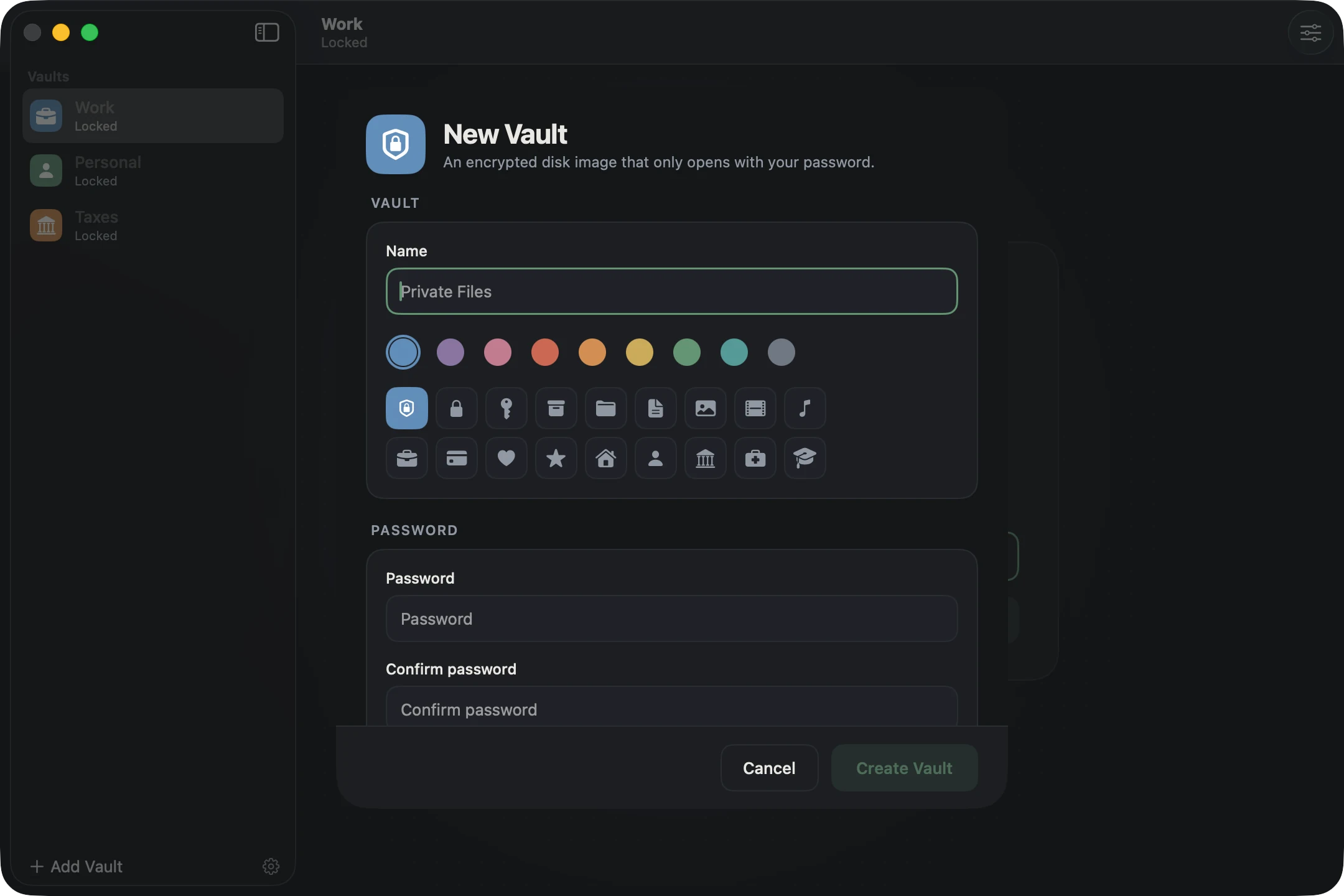
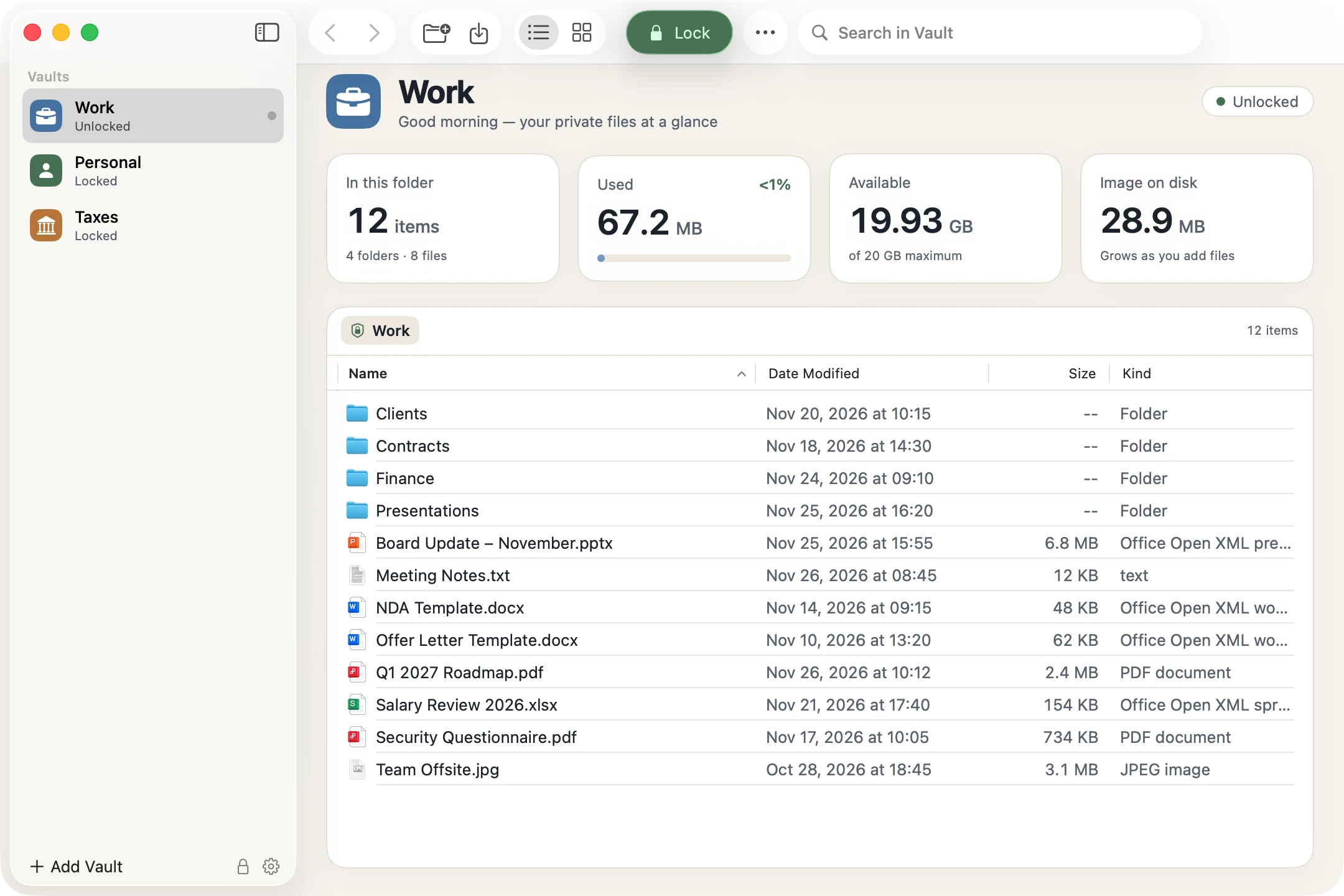
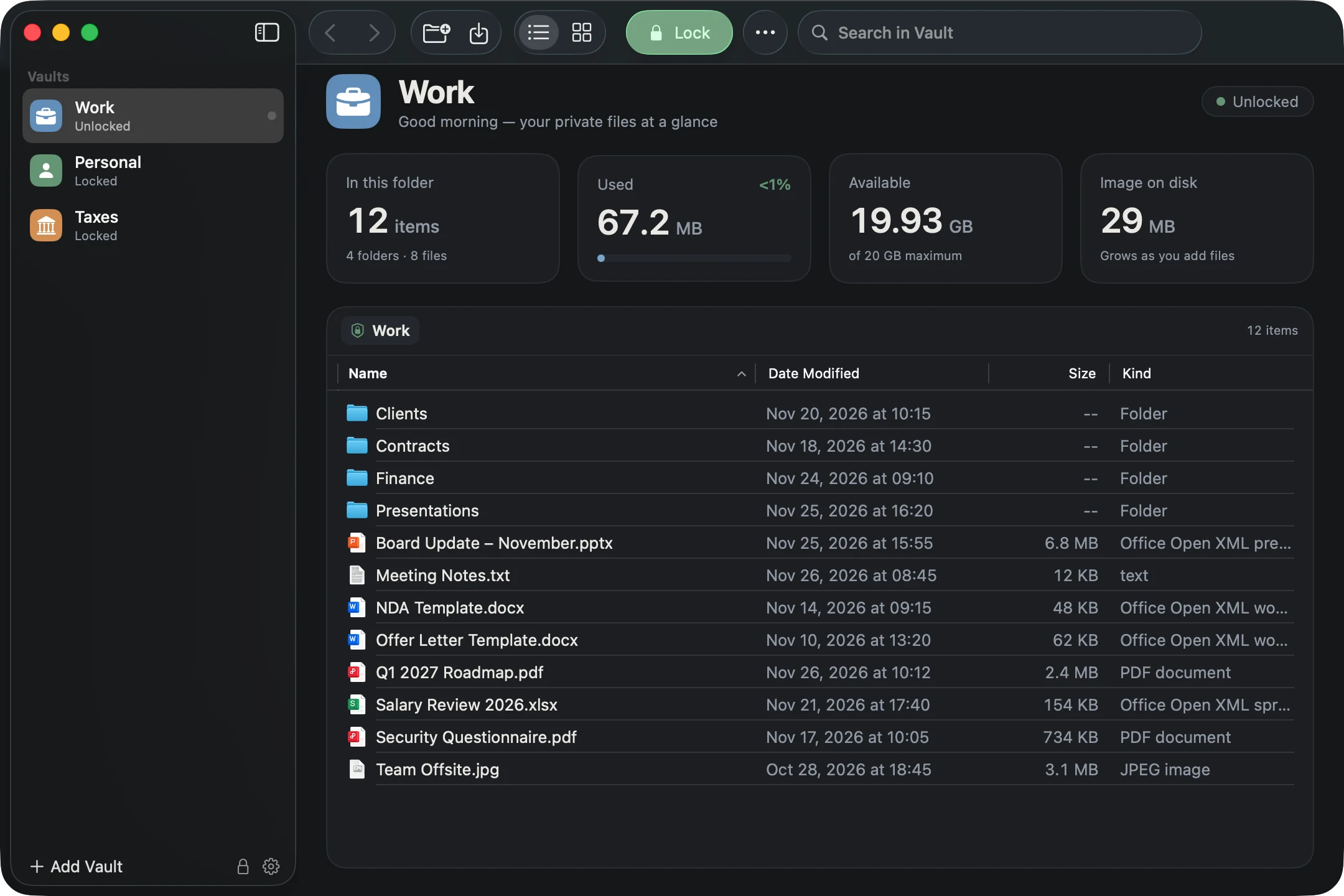
Each vault is a standard macOS encrypted disk image — Apple sparse image format, APFS inside, AES-256. Vaultdit adds no cryptography of its own.
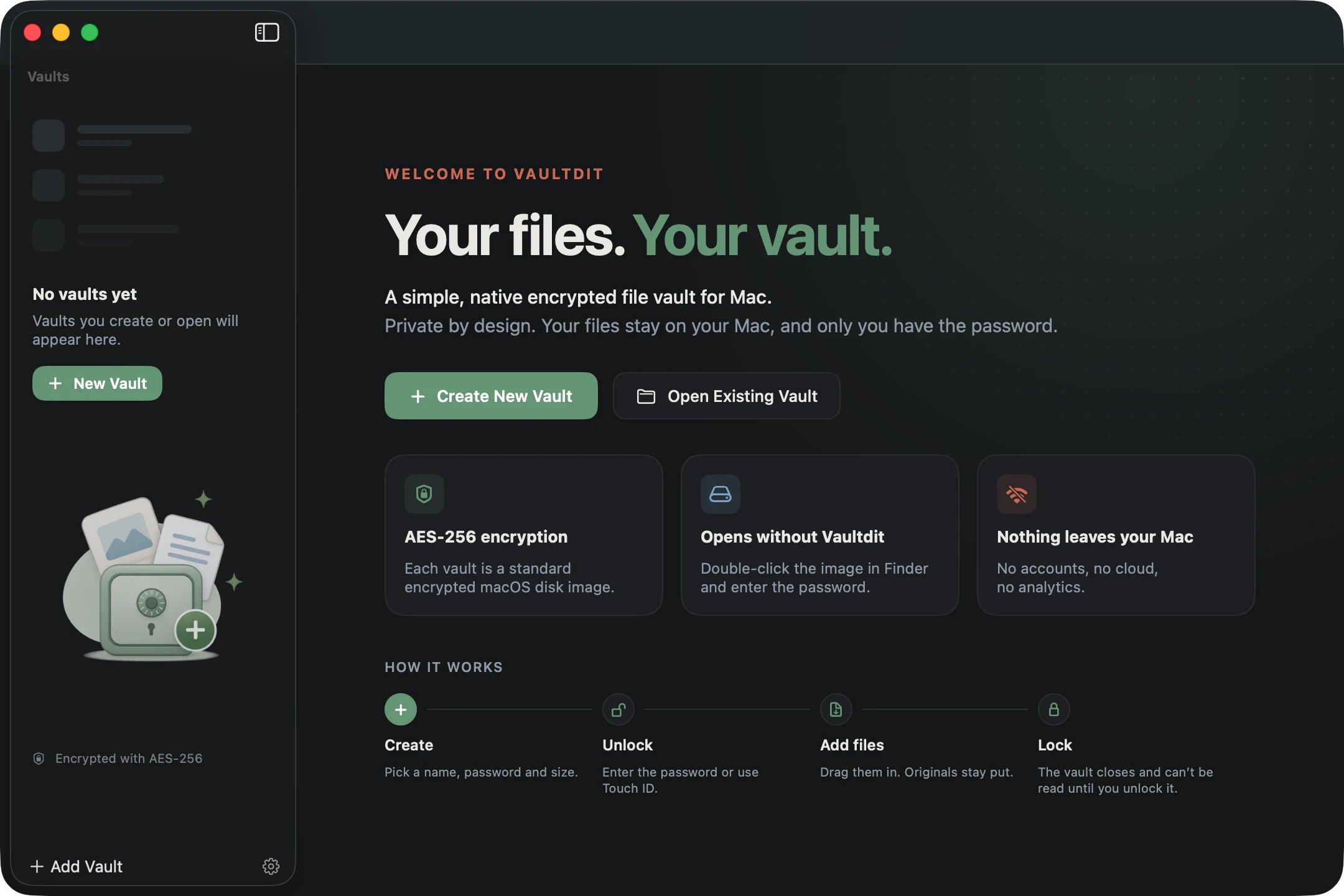
A simple, native encrypted file vault for Mac.
Private by design. Your files stay on your Mac, and only you have the password.
macOS 26 Tahoe or later · Apple silicon and Intel
Features
Vaultdit is a small, careful layer over encryption that already ships with macOS — so it stays simple, and your data stays in a format you can always open.
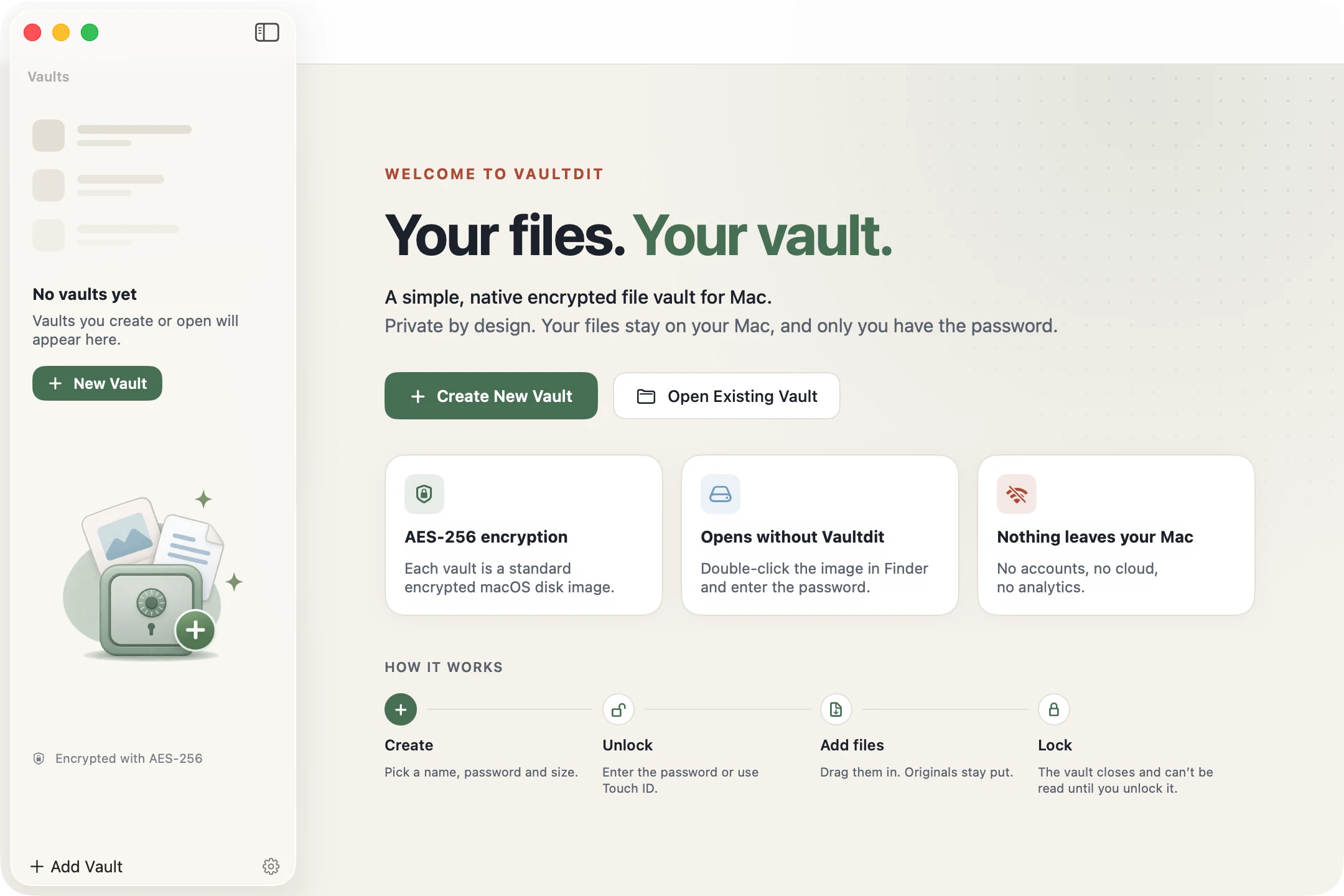
Each vault is a standard macOS encrypted disk image — Apple sparse image format, APFS inside, AES-256. Vaultdit adds no cryptography of its own.
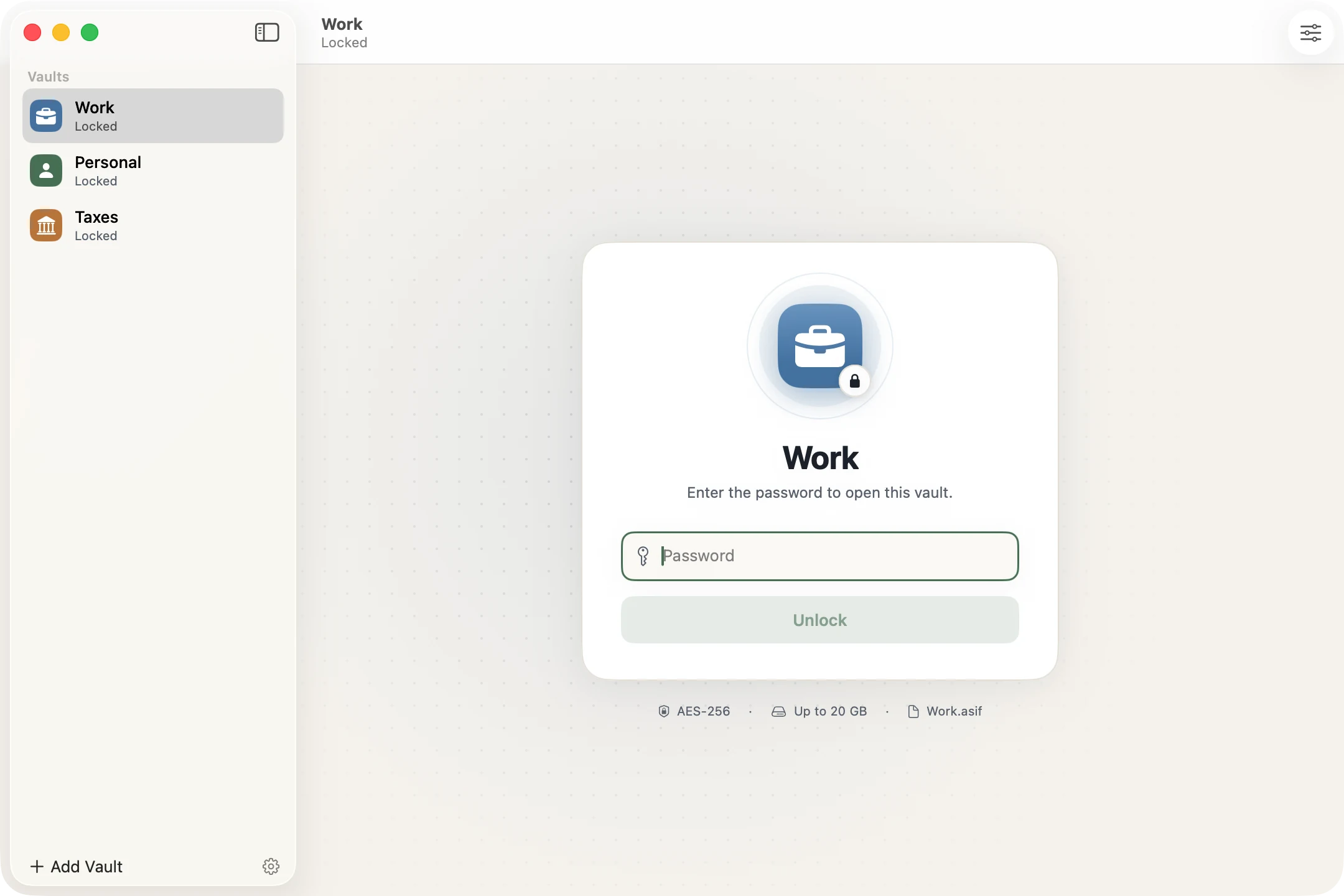
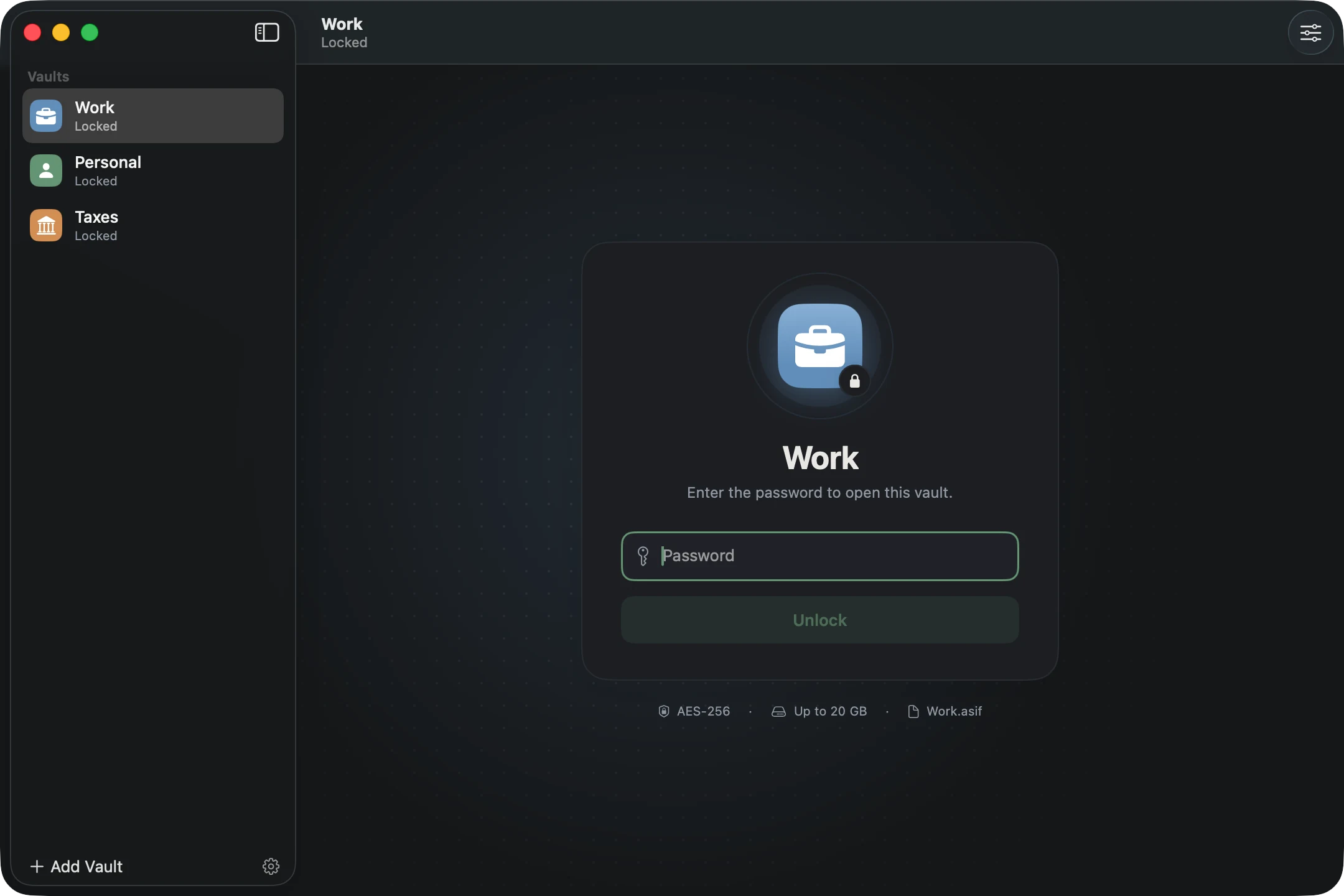
A vault is a single .asif file. Double-click it in Finder on any Mac running macOS 26, enter the password, and your files are there.
No accounts, no cloud, no analytics, no network connections. Vaultdit stores a list of your vaults and your settings — never files, file names, or passwords.
Turn it on per vault. The password stays in this Mac’s keychain and is released only after Touch ID. Your password always works too.
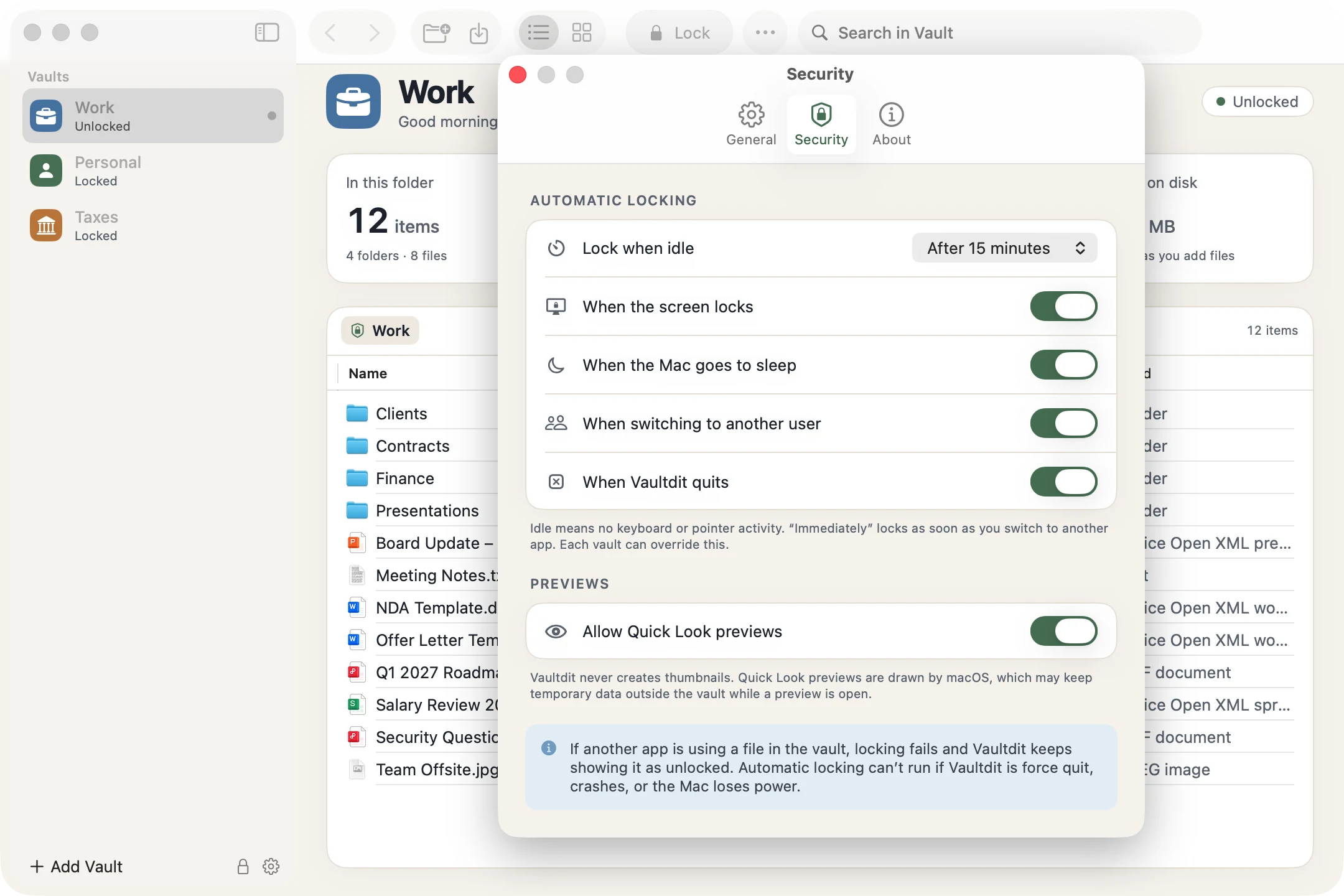
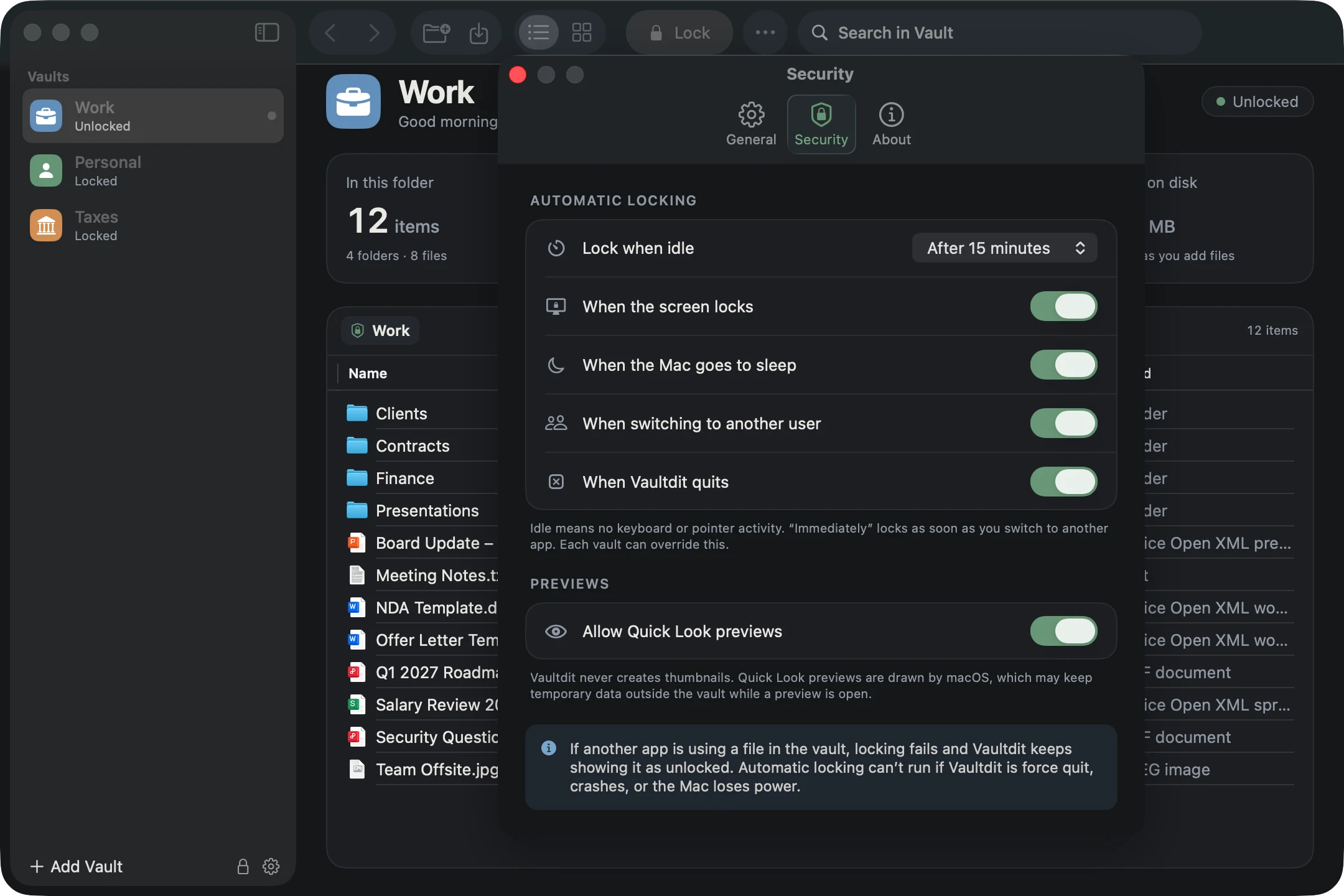
After a few idle minutes, when the screen locks, when your Mac sleeps, when you switch users, or when you quit — each one is your choice.
List and grid views, search, Quick Look, drag and drop in and out. Imports always copy; your originals stay exactly where they were.
How it works
No lock-in
Vaultdit doesn’t invent a format. If you stop using it, uninstall it, or move to a new Mac, your vaults still open with tools built into macOS.
# Unlock a vault without Vaultdit
$ diskutil image attach ~/Vaults/Personal.asif
Enter passphrase: ••••••••

# Lock it again
$ diskutil eject /Volumes/PersonalHonest security
Security tools should be clear about their limits. Here is ours, in plain language.
Pricing
US$9.90once
After the trial, Vaultdit never locks you out: your vaults still unlock, and you can open and export every file. A license lets you create vaults and add or change files again. Payments are handled by Paddle, our reseller; local taxes may apply. 30-day money-back guarantee; see the refund policy and terms of sale.
FAQ
Your files can’t be recovered. The encryption is designed so that nobody — including Apple and the makers of Vaultdit — can open a vault without its password. Optional Touch ID helps on your Mac, but keep the password somewhere safe, like a password manager.
US$9.90, once, for all of your Macs, including every 1.x update. Try it free for 14 days first — no account or card needed.
Nothing is locked away. Your vaults still unlock, and you can open, preview and export every file. Creating vaults and adding or changing files needs a license.
No. License keys are signed, and Vaultdit verifies the signature on your Mac. It never sends your key, your email, or anything else anywhere.
No. Vaultdit makes no network connections and has no accounts or analytics. Vaults are files on your disk. If you store one in an iCloud-synced folder, iCloud will sync that encrypted file — Vaultdit warns you when you pick such a folder.
Mac App Store apps must run in App Sandbox, and macOS doesn’t let sandboxed apps attach encrypted disk images. Rather than invent its own encryption format, Vaultdit keeps using Apple’s and is distributed directly instead.
Yes, on any Mac running macOS 26 or later. Double-click the .asif file and enter the password — Vaultdit doesn’t need to be installed. Touch ID only works on the Mac where you turned it on.
No. The size you choose is a maximum. The disk image grows as you add files. Deleting files doesn’t necessarily shrink it right away, and Vaultdit shows the real size on disk separately.
macOS won’t close the vault while a file is open, and Vaultdit tells you which app is using it. The vault stays shown as unlocked until it really is locked — Vaultdit never pretends.
No account to create. Everything happens on your Mac.
macOS 26 Tahoe or later · Apple silicon and Intel